Other Clients
Any client that supports the Model Context Protocol can connect to E8 Markets. This page covers the generic setup.
Connection details
| Setting | Value |
|---|---|
| Endpoint URL | https://trade.e8markets.com/api/mcp |
| Transport | Streamable HTTP |
| Authorization | Bearer YOUR_API_KEY (sent as an Authorization header) |
Configuration
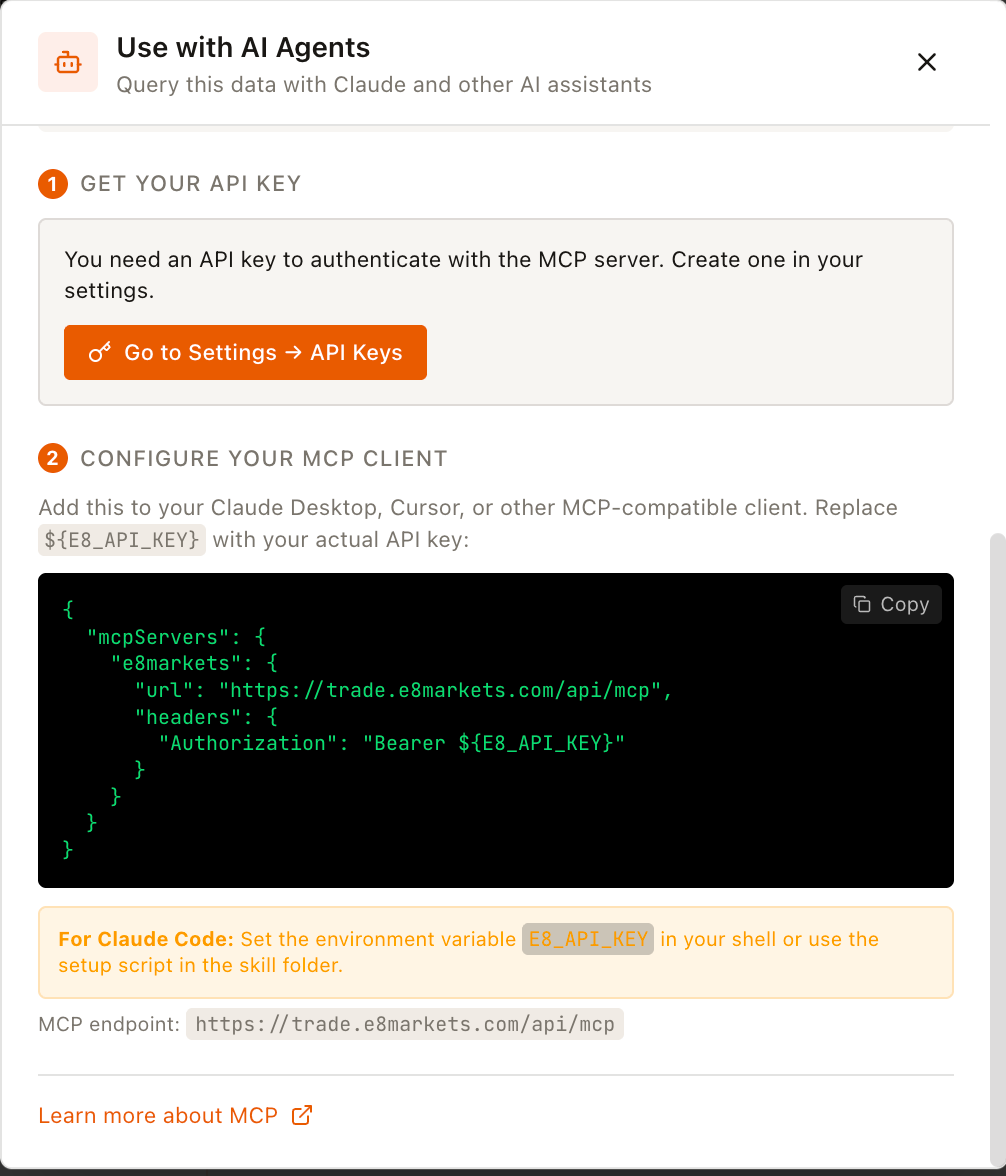
Most MCP clients accept a JSON config. Use the following:
{
  "mcpServers": {
    "e8markets": {
      "url": "https://trade.e8markets.com/api/mcp",
      "headers": {
        "Authorization": "Bearer YOUR_API_KEY"
      }
    }
  }
}
Replace YOUR_API_KEY with the key from the Prerequisites step.
Integration steps
- Open your client's MCP or tools settings.
- Add a new server using the configuration above.
- Save and restart the client if required.
- Ask: "What trading assets are available?" to confirm the connection works.
How to trade
Once connected, you can trade through natural language:
- Check your account — "Show me my account info"
- Research — "What's the current price of EURUSD?"
- Place an order — "Buy 0.1 lots of EURUSD at market"
- Monitor — "Show me my open positions"
- Close — "Close my EURUSD position"
All orders go through the same execution engine as the web terminal — same prices, same slippage checks, same risk controls. All accounts are demo/evaluation, so no real money is at risk.
In-app setup modal
You can also find setup instructions directly inside the terminal. Click the "Use with AI" button in the top navigation bar to open the MCP configuration modal.