Chart
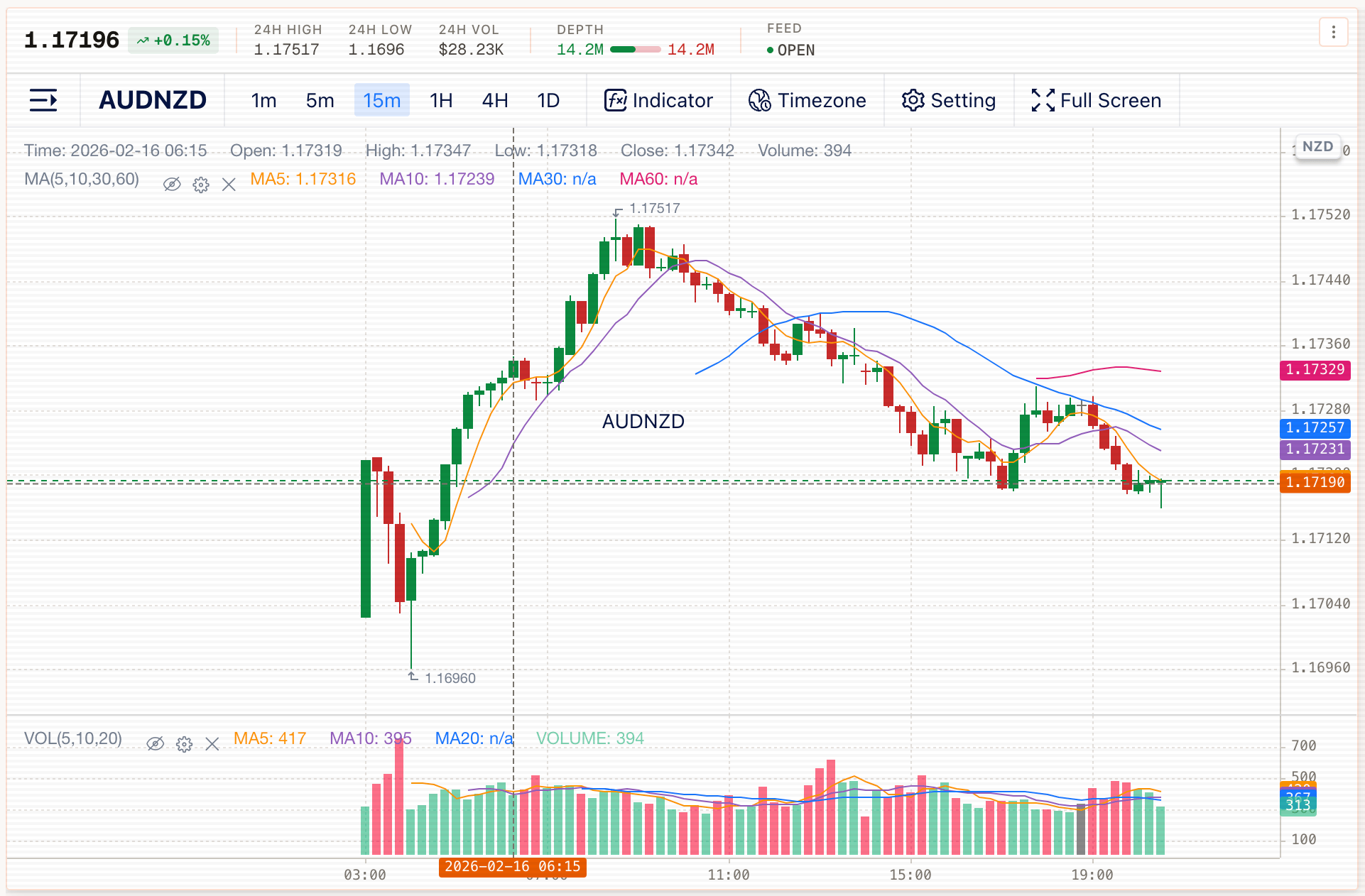
The Trade chart provides quick timeframe buttons: 1m, 5m, 15m, 1H, 4H, and 1D.
The chart toolbar includes Indicator, Timezone, Setting, and Full Screen controls.
Common tasks
- Change timeframe using the buttons in the chart header (e.g., switch from 15m to 1H)
- Add or manage indicators using the Indicator control
- Adjust the displayed timezone using the Timezone control
- Expand the chart using Full Screen