Settings
The Settings module is labeled "SET" with shortcut G S in the main navigation.
It centralizes account, appearance, API, privacy, and network configuration for the terminal.
Access
- Click "Settings" in the left navigation.
- Or use the G S keyboard shortcut.
Account
The "Account" section manages your profile and wallet connection:
- Connect your wallet to save settings and access personalized features.
- After connecting, link your "E8 Markets Account" for unified access.
When you are not signed in, the page states that you must sign in with your wallet first to link your E8 Markets account.
Appearance
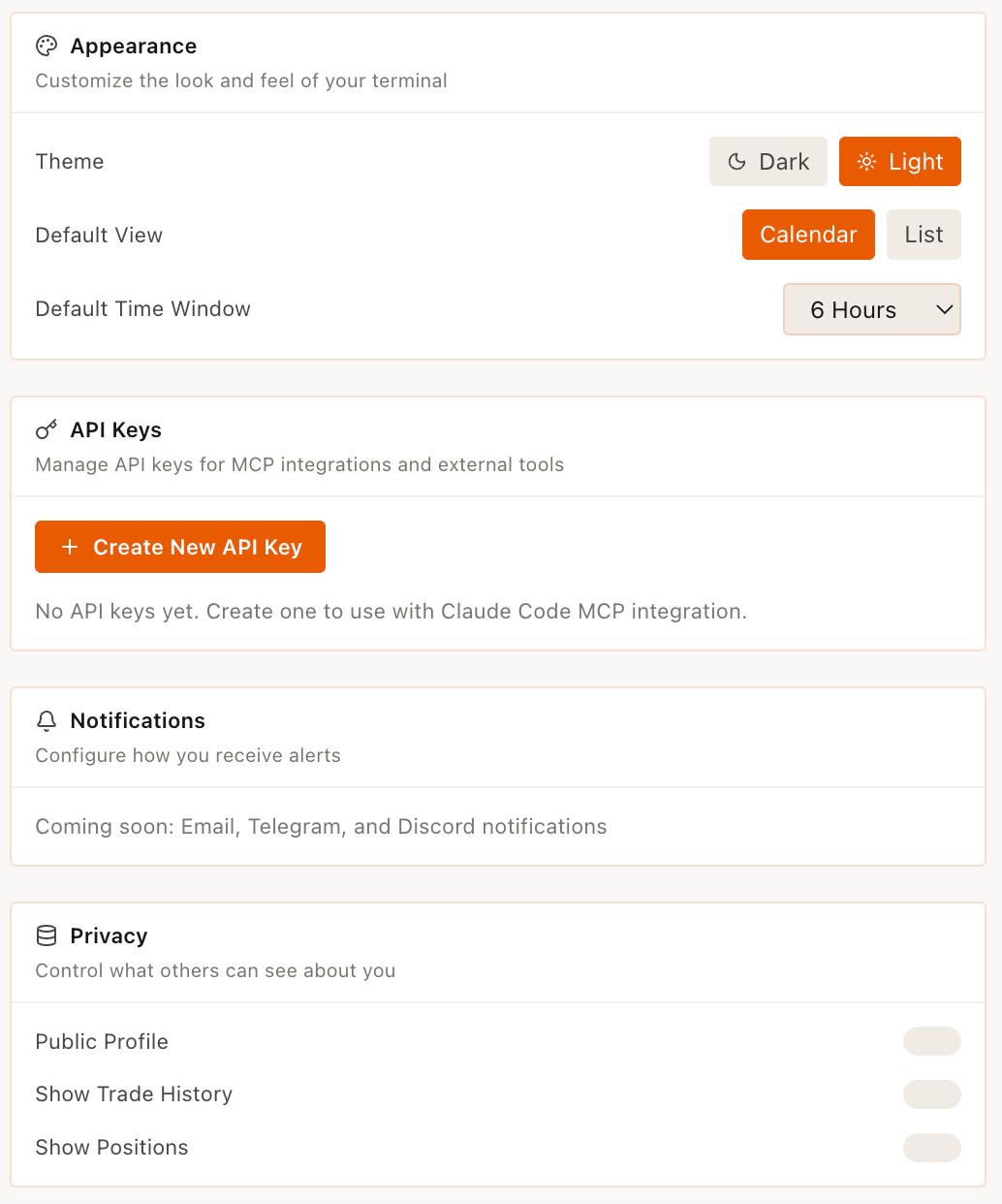
The "Appearance" section customizes the look and feel of the terminal:
- Theme: Dark / Light toggle.
- Default View: Calendar or List.
- Default Time Window: a dropdown with options such as 1 Hour, 6 Hours, 24 Hours, 7 Days, 30 Days, and All Time.
The Default Time Window selector appears disabled until you are signed in.
API Keys
The "API Keys" section manages keys for MCP integrations and external tools.
It requires signing in with your wallet to create or manage API keys.
Notifications
The "Notifications" section configures how you receive alerts.
The current copy indicates that Email, Telegram, and Discord notifications are "Coming soon".
Privacy
The "Privacy" section controls what other users can see about you:
- Public Profile
- Show Trade History
- Show Positions
These controls are implemented as toggles.
Keyboard Shortcuts
The "Keyboard Shortcuts" section is for customizing hotkeys and navigation.
It includes a "View all shortcuts" control and a "?" shortcut indicator.
Network
The "Network" section exposes connection and RPC settings:
- Polygon RPC:
polygon-rpc.com. - Data Source: shows a status indicator such as "Connected to ClickHouse".